

Paper Timesheets Are Killing Your Productivity
If you're still using paper timesheets or spreadsheets, you know the pain. Illegible handwriting, lost sheets, weekend data entry marathons, payroll disputes, and zero visibility until it's too late.
Can't Read The Writing
Deciphering scribbled timesheets is a special kind of torture. Is that a 3 or an 8? Did they work 7 hours or 17? Half your payroll processing time is spent guessing what workers actually wrote.
Hours of Manual Data Entry
Every week, someone has to sit down and manually type every timesheet into the system. Hours of tedious work that nobody wants to do, entering data that's probably wrong anyway.
No Idea What's Happening
Who's working where? Is that job running over budget on labour? You won't know until you've processed the timesheets next week. By then, the damage is done.
A Timesheet System People Actually Want to Use
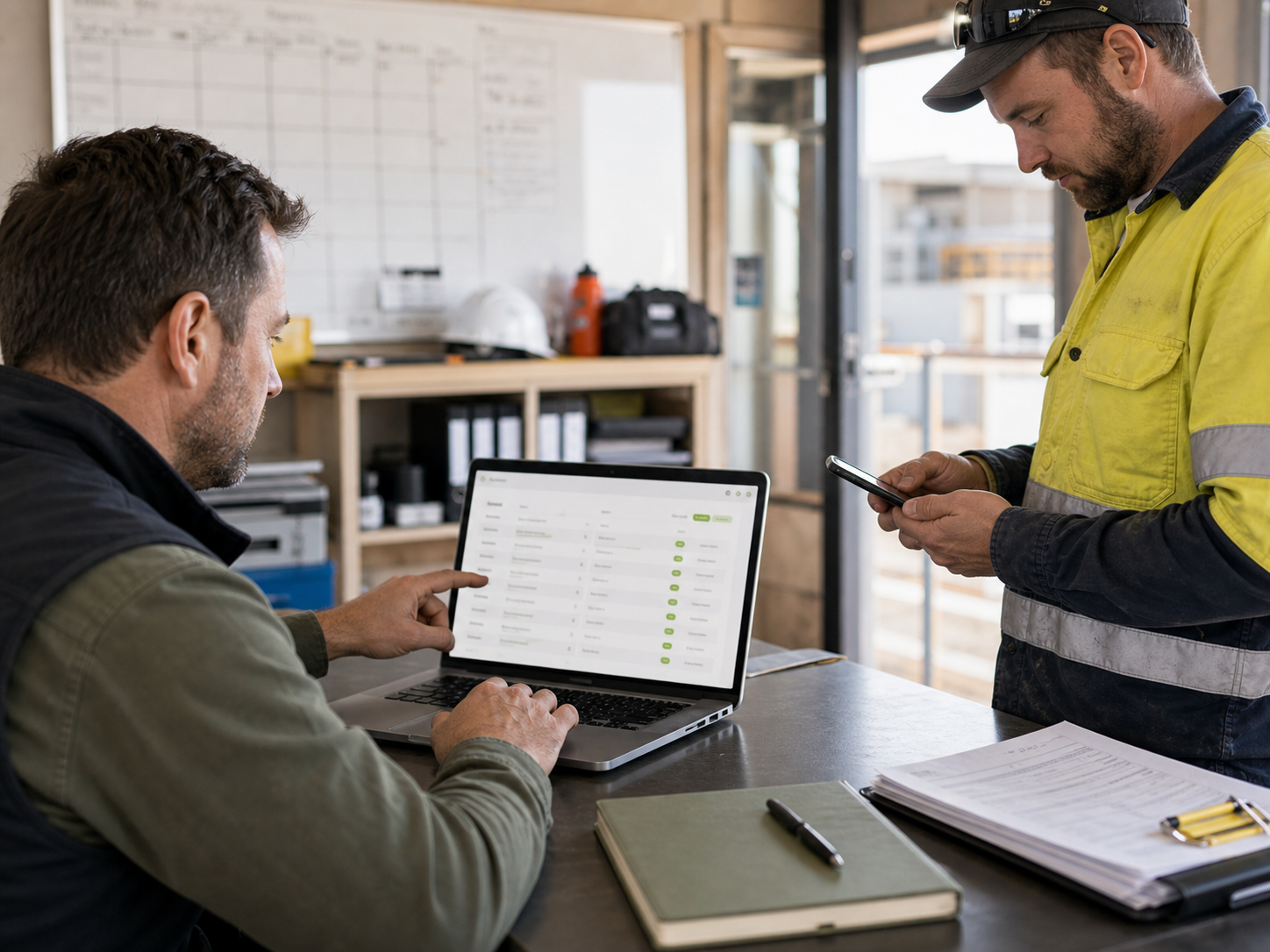
We build mobile timesheet systems that are so simple, your team will prefer using them over paper. Clock in from their phone, submit automatically, and give you real-time visibility into labour costs.
Mobile Clock In/Out
Workers clock in and out using their phones. Simple, fast, and no paper to lose. They can add notes, photos, or job codes if you need them to.
- Works on any smartphone, iPhone or Android
- Offline mode for areas with no reception
- Takes seconds to clock in or out
- Photo verification for job sites
GPS Verification
Know exactly where your team clocked in from. GPS tracking ensures people are actually on site, not clocking in from home.
- Location stamped on every clock in/out
- Geofencing to restrict clock-ins to job sites
- Visual map view of where team is working
- Privacy-conscious, only tracks during work hours
Automatic Submission & Approval
No more chasing people for timesheets. They submit automatically at the end of each day or week. Managers review and approve from anywhere.
- Automatic timesheet generation
- Email reminders for missing timesheets
- One-click approval for managers
- Flag unusual entries for review
Real-Time Labour Cost Tracking
See labour costs as they happen, not weeks later. Dashboard shows you who's working on what, hours by job, and costs against budget.
- Live dashboard of labour hours and costs
- Job-by-job labour tracking
- Overtime alerts before it gets out of hand
- Export to Excel or your accounting system
What This Actually Saves You
Hours Back Every Week
No more manual data entry. No more chasing people for missing timesheets. What used to take hours now takes minutes. That's hours you get back to spend on actual work.
Accurate Payroll, First Time
Digital timesheets mean no more illegible handwriting, no more calculation errors, no more payroll disputes. Numbers are right the first time, every time.
Know Your Labour Costs Right Now
See labour costs in real-time, not after the fact. Spot jobs running over budget while you can still do something about it. Make decisions based on current data, not last week's guesswork.
Your Team Will Actually Like It
Workers prefer digital timesheets because they're faster and easier than paper. No lost timesheets, no mistakes, no arguments. Happy team, happy manager, happy payroll person.
How We Get You Set Up
-
Understand Your Workflow
We talk to your team to understand how timesheets work now. What information do you need? What break and overtime rules apply? How does it flow to payroll? We design the system around your actual workflow, not force you into ours.
-
Configure and Test the System
We set up the mobile app with your jobs, cost codes, and rules. Test it with a small group first, iron out any kinks, make sure everything works the way you need it to.
-
Train Your Team
Quick training sessions for workers and managers. It's so simple most people get it in 5 minutes, but we make sure everyone's comfortable before going live.
-
Connect to Payroll
Integrate with your existing payroll system so approved timesheets flow straight through. No manual re-entry, no double handling. One system to another, automatically.
-
Monitor and Refine
Once you're live, we keep an eye on how it's working. If something needs tweaking, a new cost code, a different approval workflow, we adjust it until it's running perfectly.
Common Questions
What if some workers don't have smartphones?
Not everyone needs the app. You can have a tablet at the office for clock-ins, or supervisors can clock people in. We work with whatever mix of devices and methods suits your team.
Can we track time against specific jobs or tasks?
Absolutely. Workers can select which job, task, or cost centre they're working on when they clock in. As detailed or simple as you need it to be.
What about breaks and overtime?
The system can automatically handle breaks based on your rules, like unpaid 30-minute lunch breaks. Overtime alerts warn you when someone's approaching OT so you can manage it proactively.
Does it work in areas with no mobile reception?
Yes. The app works offline and syncs when workers are back in range. Perfect for remote job sites, underground work, or anywhere reception is patchy.